Using a mobile hotspot to Login the PosPal system without internet access
In this chapter, We gonna Using a mobile hotspot to Login the PosPal system without internet access
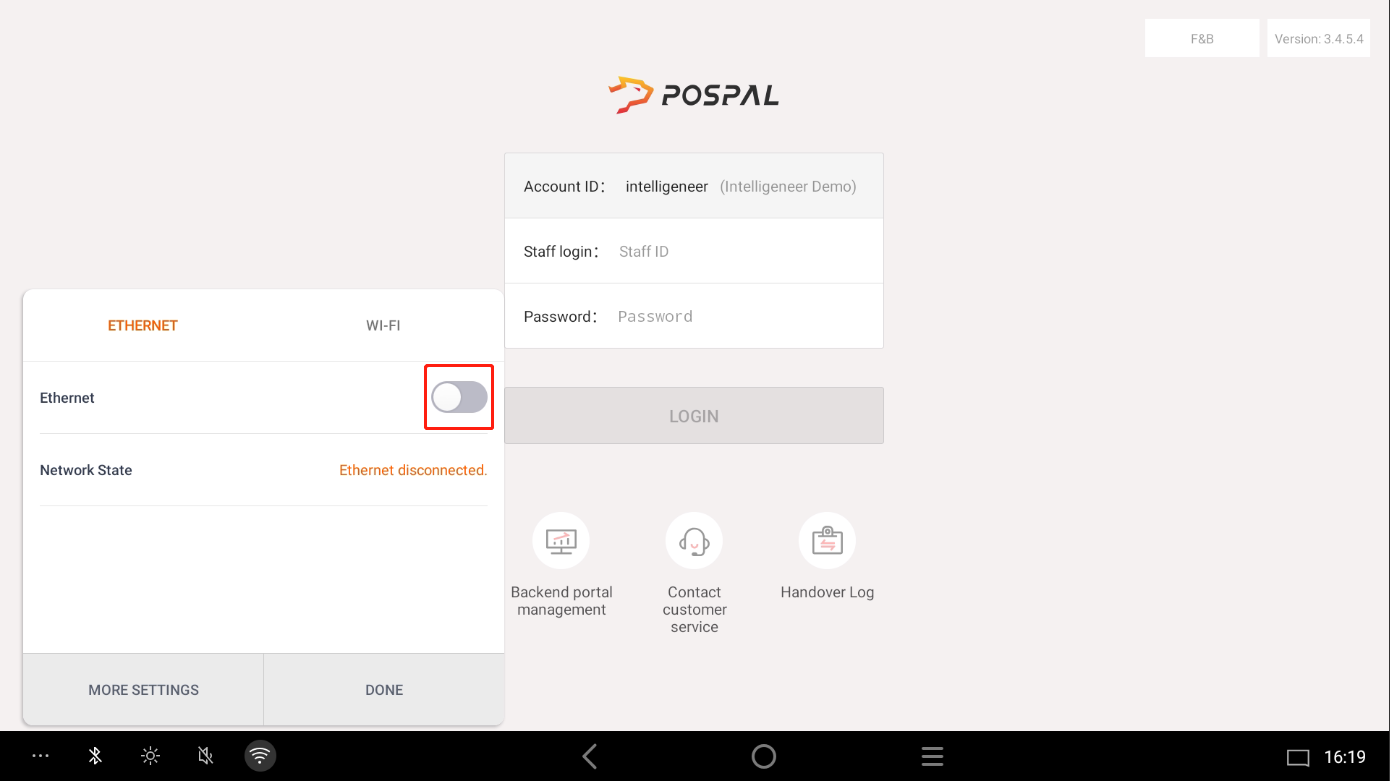
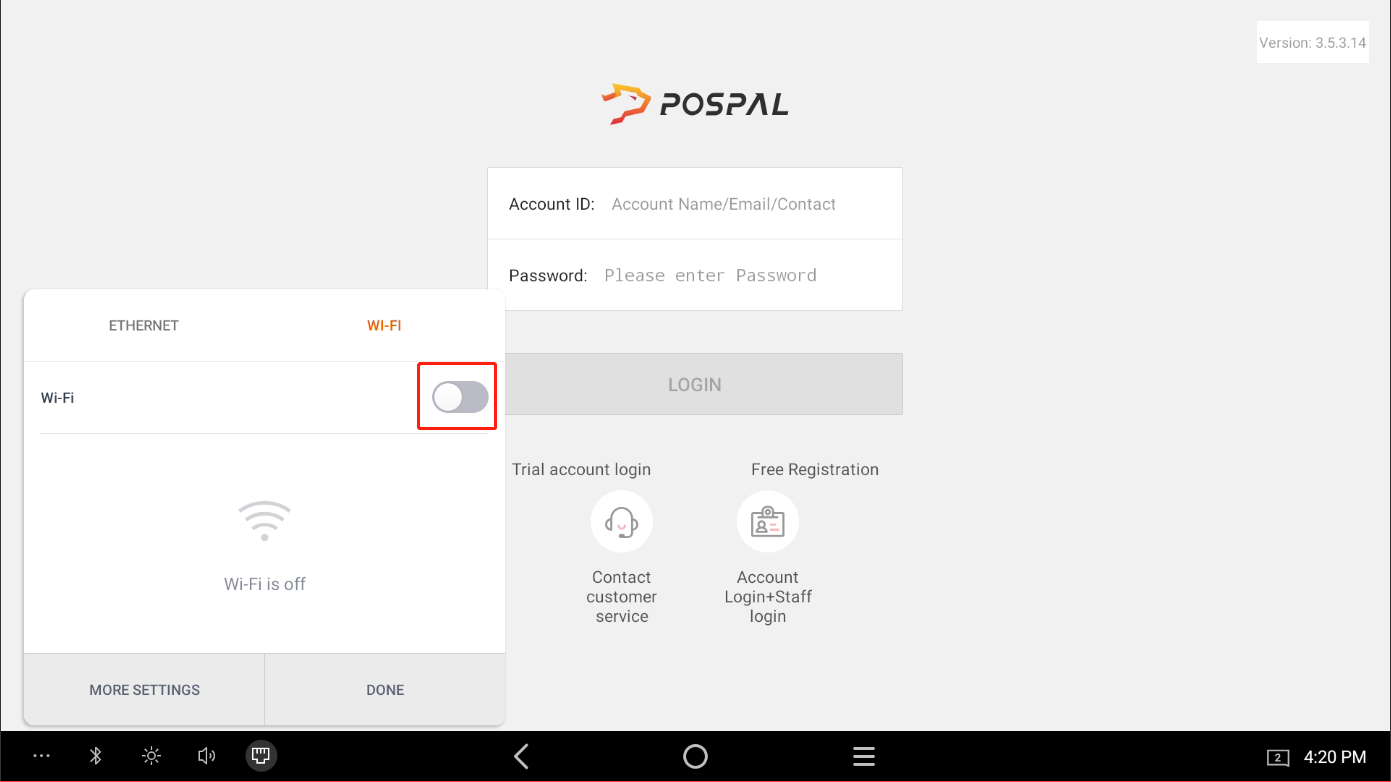
First we need to find the Fifth Button on bottom Left Corner
Turn Off Ethernet Button
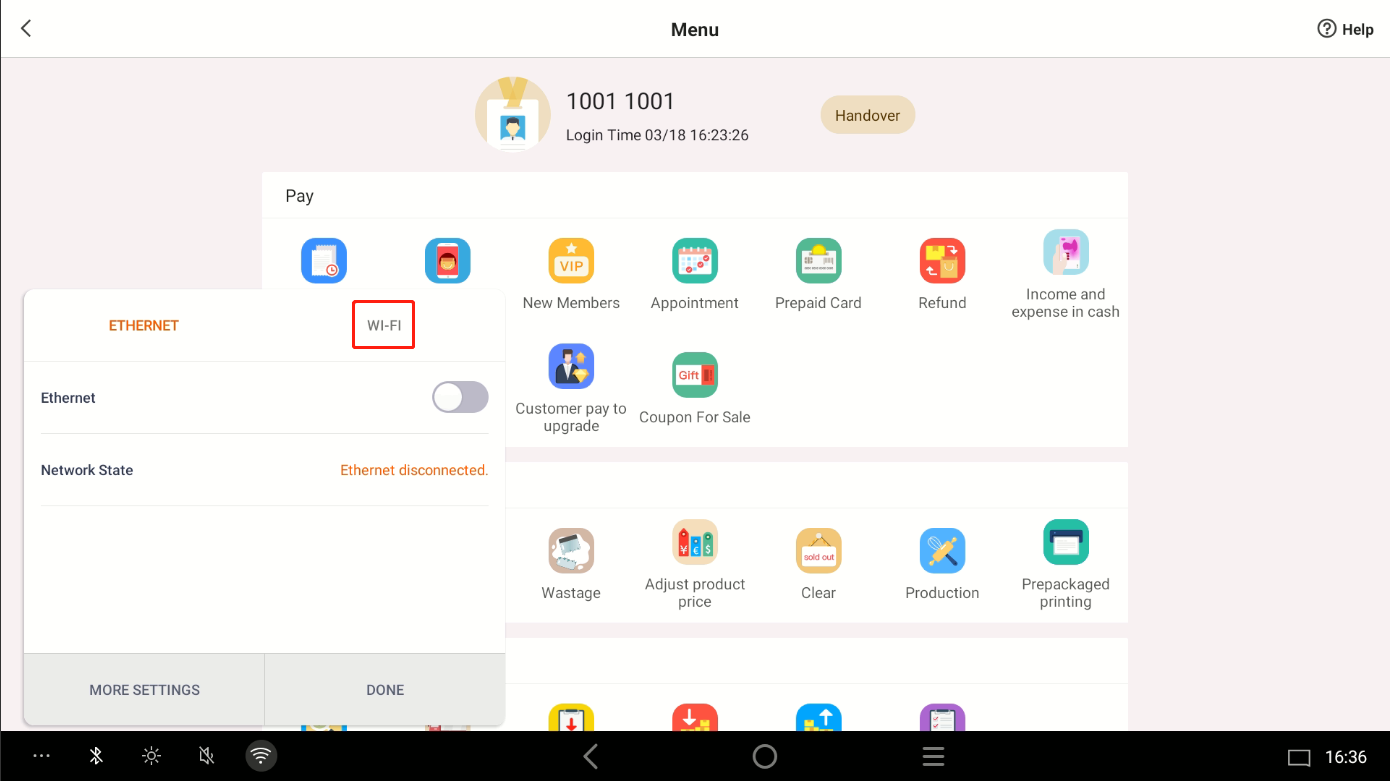
Switch to WiFi Section
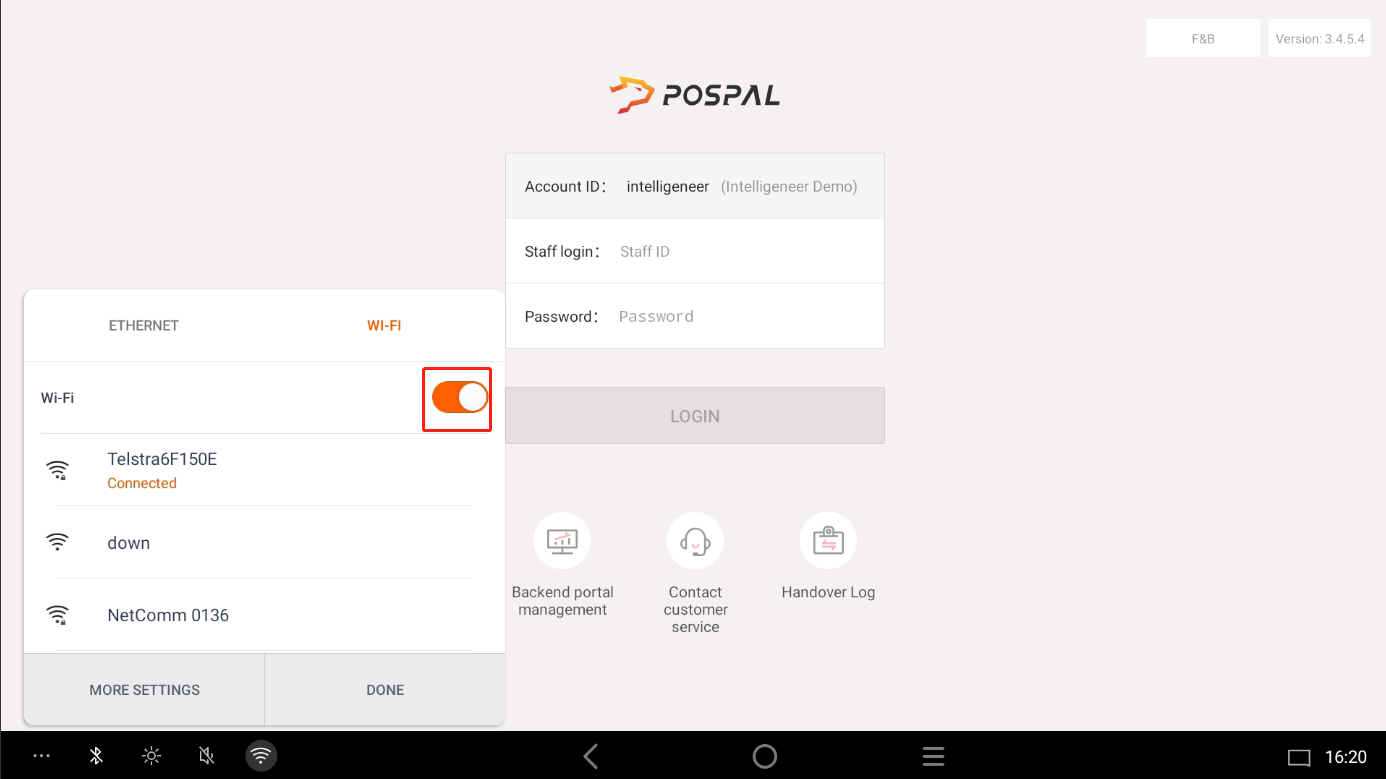
Turn On WiFi Button
After Turn On WiFi, Press More Settings
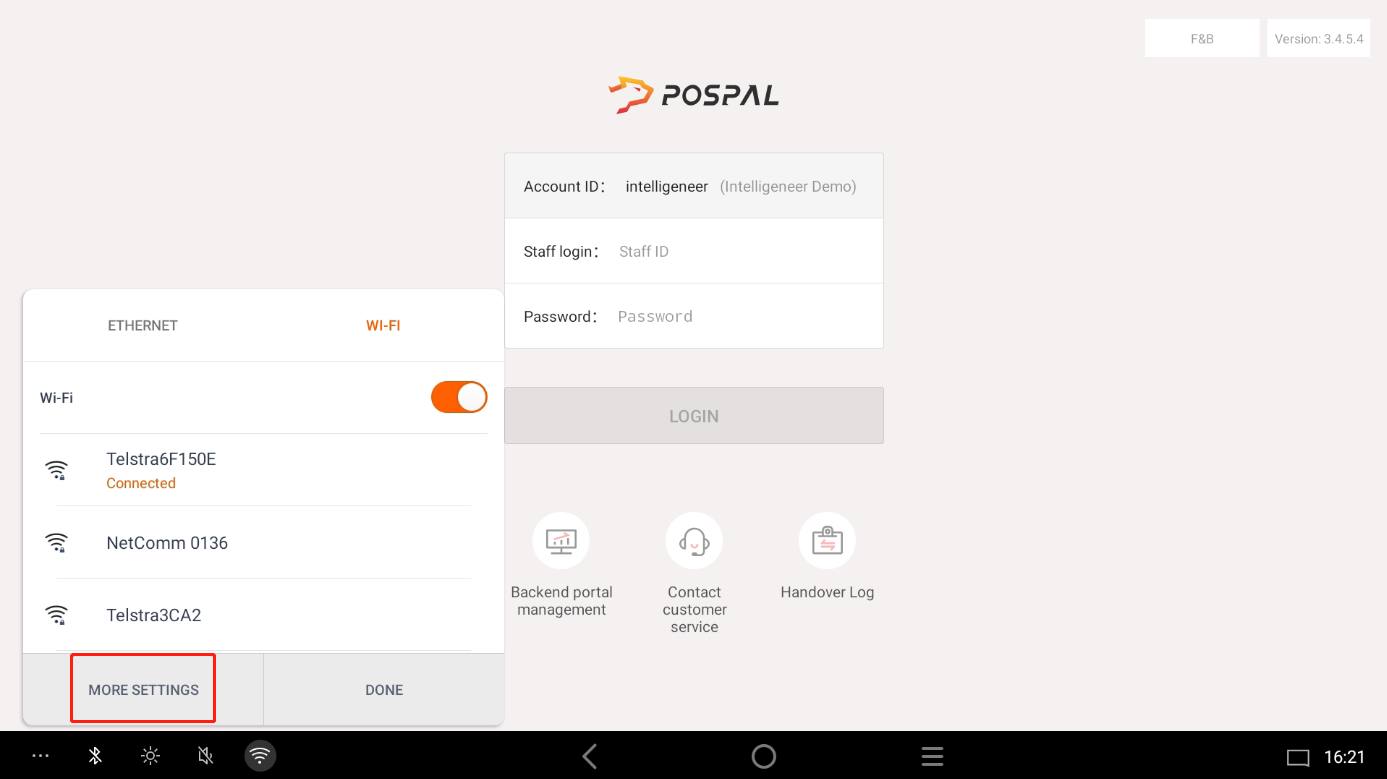
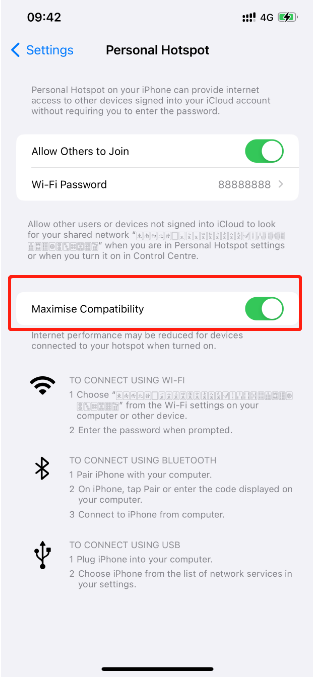
Make Sure your Mobile Hotspot is On and also turn on the Maximize Compatibility
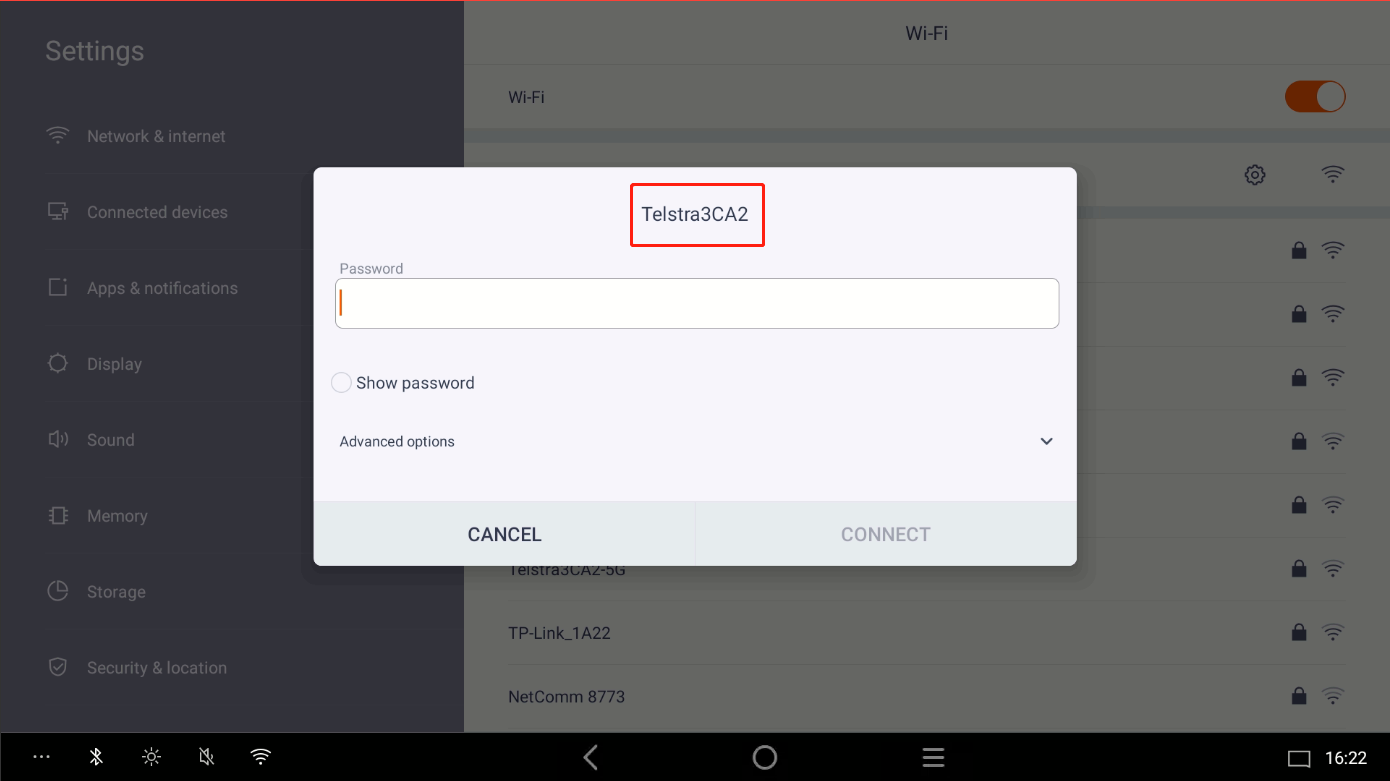
Select your Mobile Hotspot and input the Password
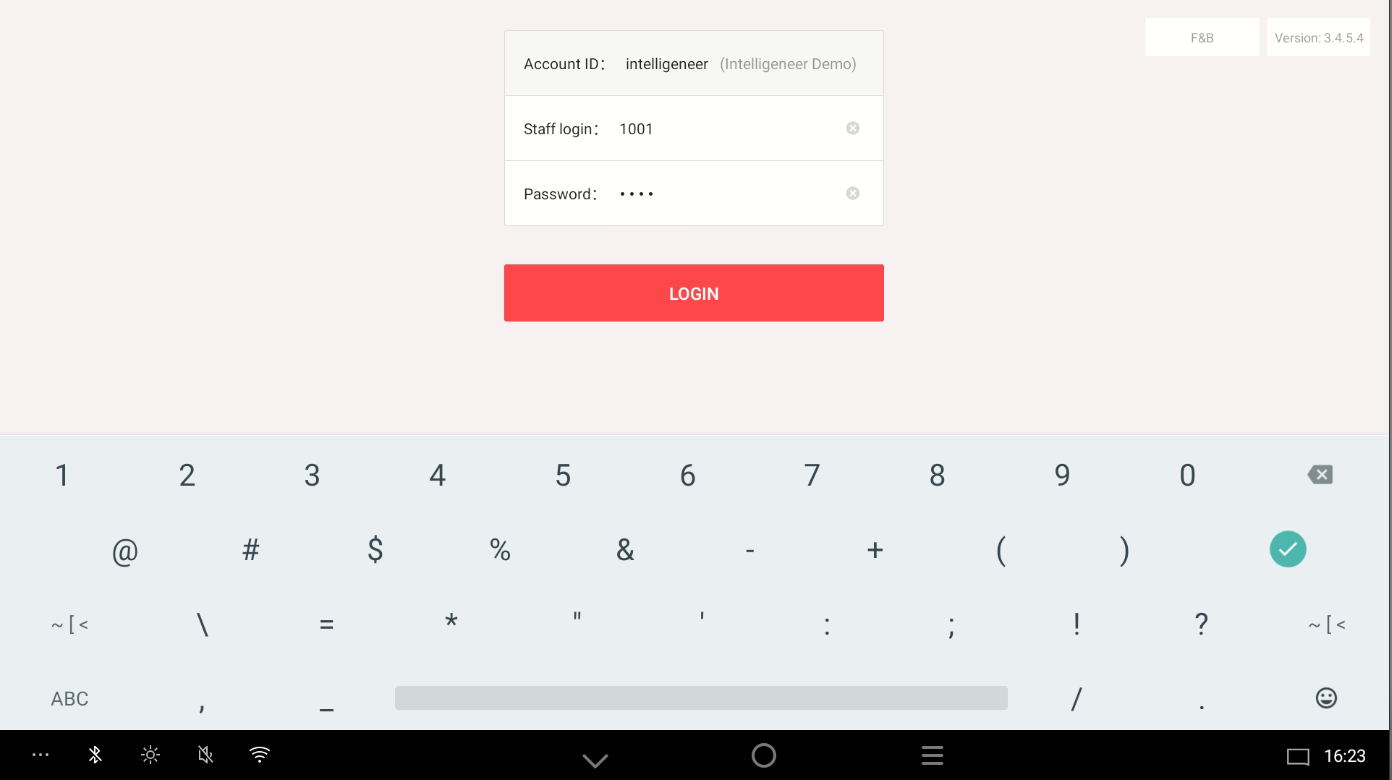
then Back to the Login Page, and login with your Staff account
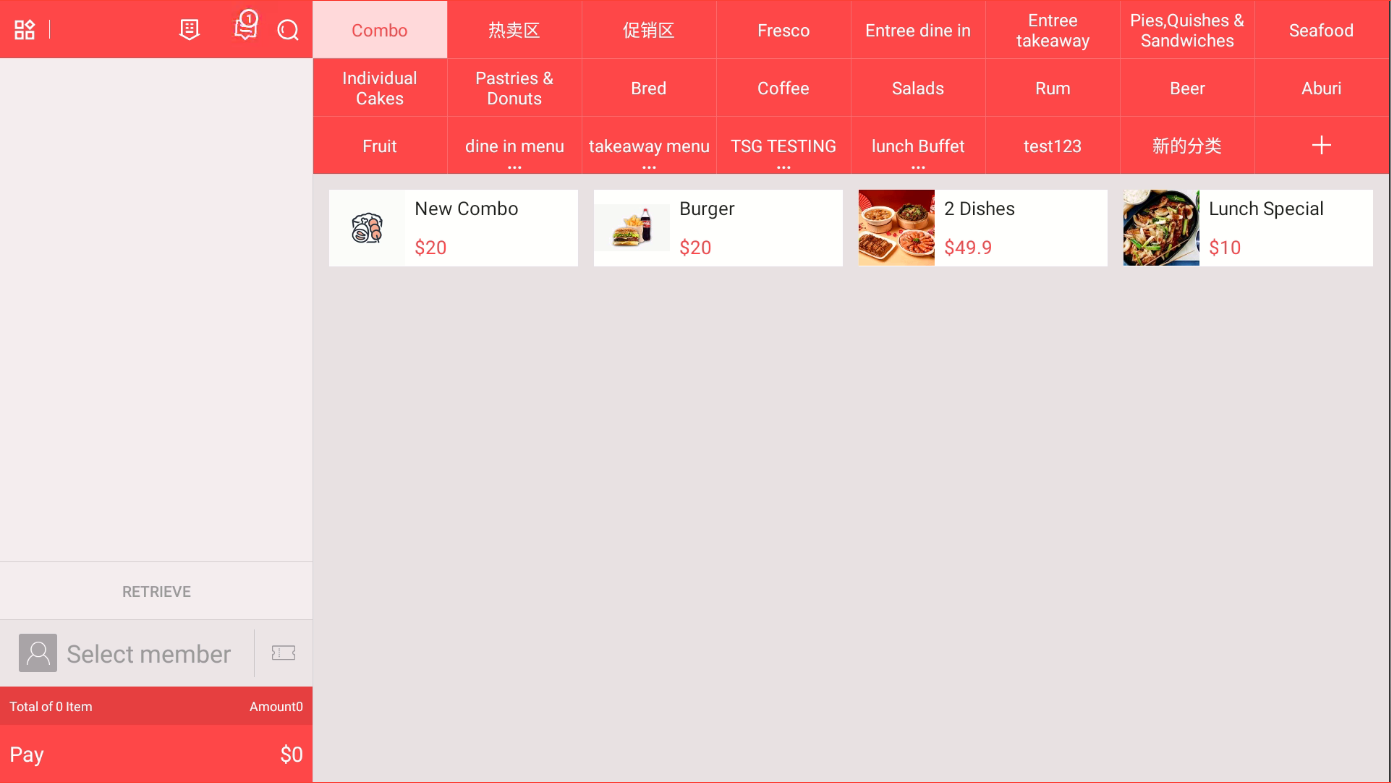
After that you can see the Ordering Page
On the Order Page, back to the Fifth Button on bottom Left Corner To the WiFi Section, Turn Off the WiFi Button
and then Switch to Ethernet Section, turn on the Ethernet
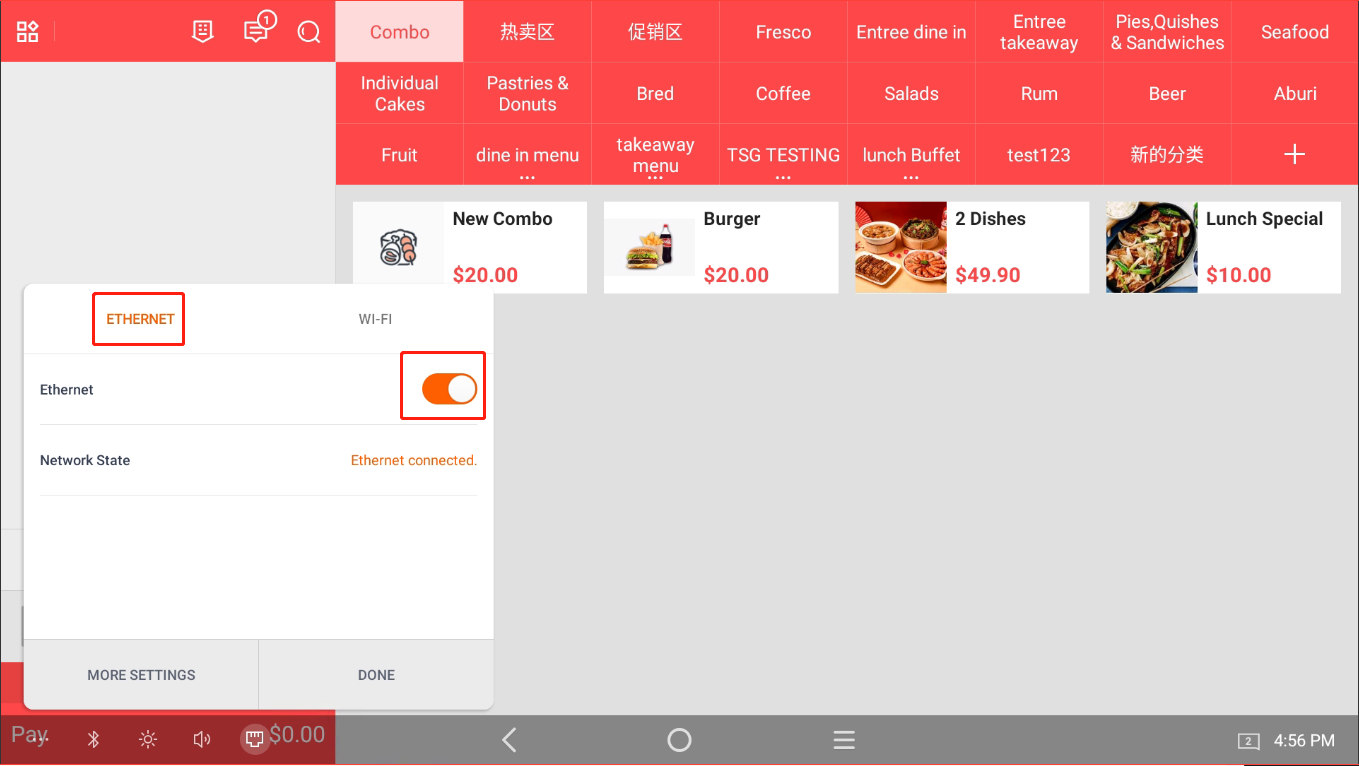
This way, the ordering system can be used to place orders offline, and the kitchen printer and KDS can still function normally.